Using AI with identity design.
AECORN was a full-scale identity project for a tech-forward real estate brokerage. But instead of breaking down the branding elements, let's talk about how I used AI throughout this project to enhance creativity, output and process without sacrificing quality.
I started by creating the main identity with the same process that I would any other. These elements were all developed by hand.
Where AI shines is not in the identity itself, but in how the subsequent assets are created, evolved and manipulated. AI does not make my decisions for me — it acts as an executional arm to my creative plan. AI empowers me to no longer be limited by a lack of skills in motion, illustration or web development.

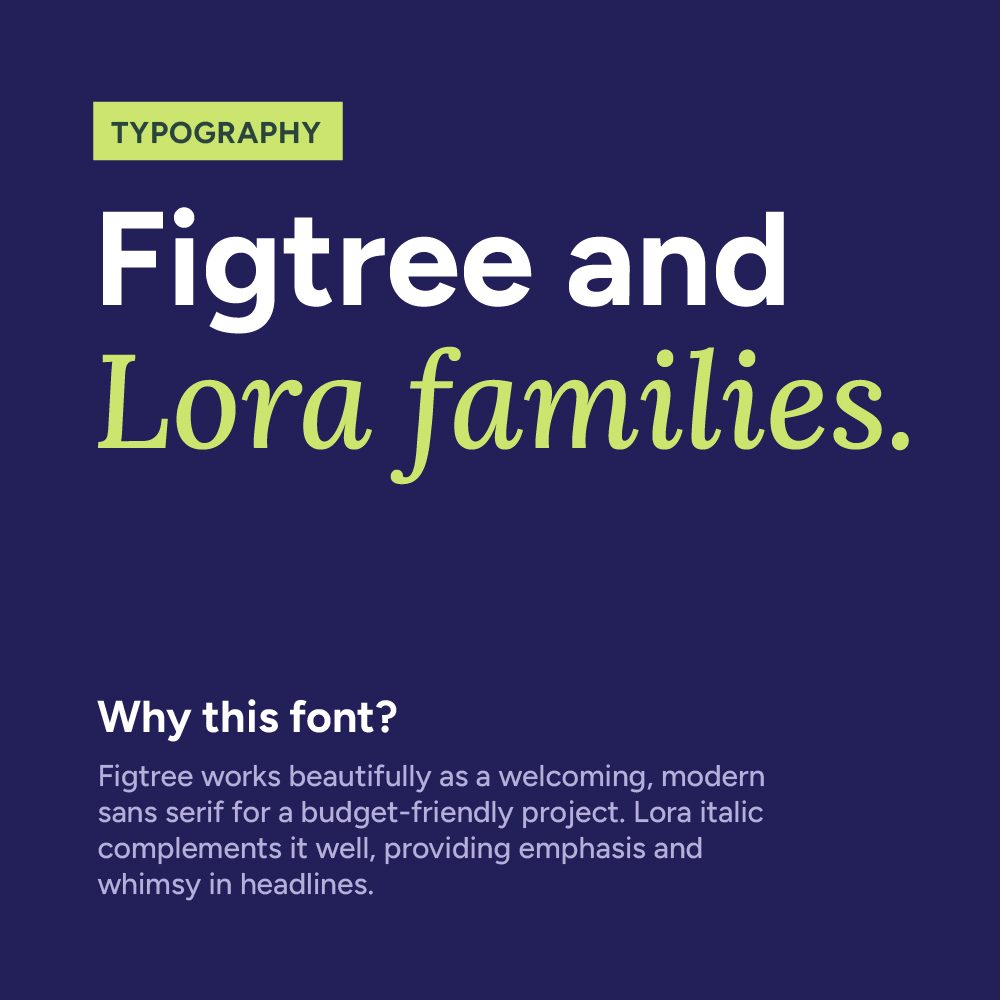
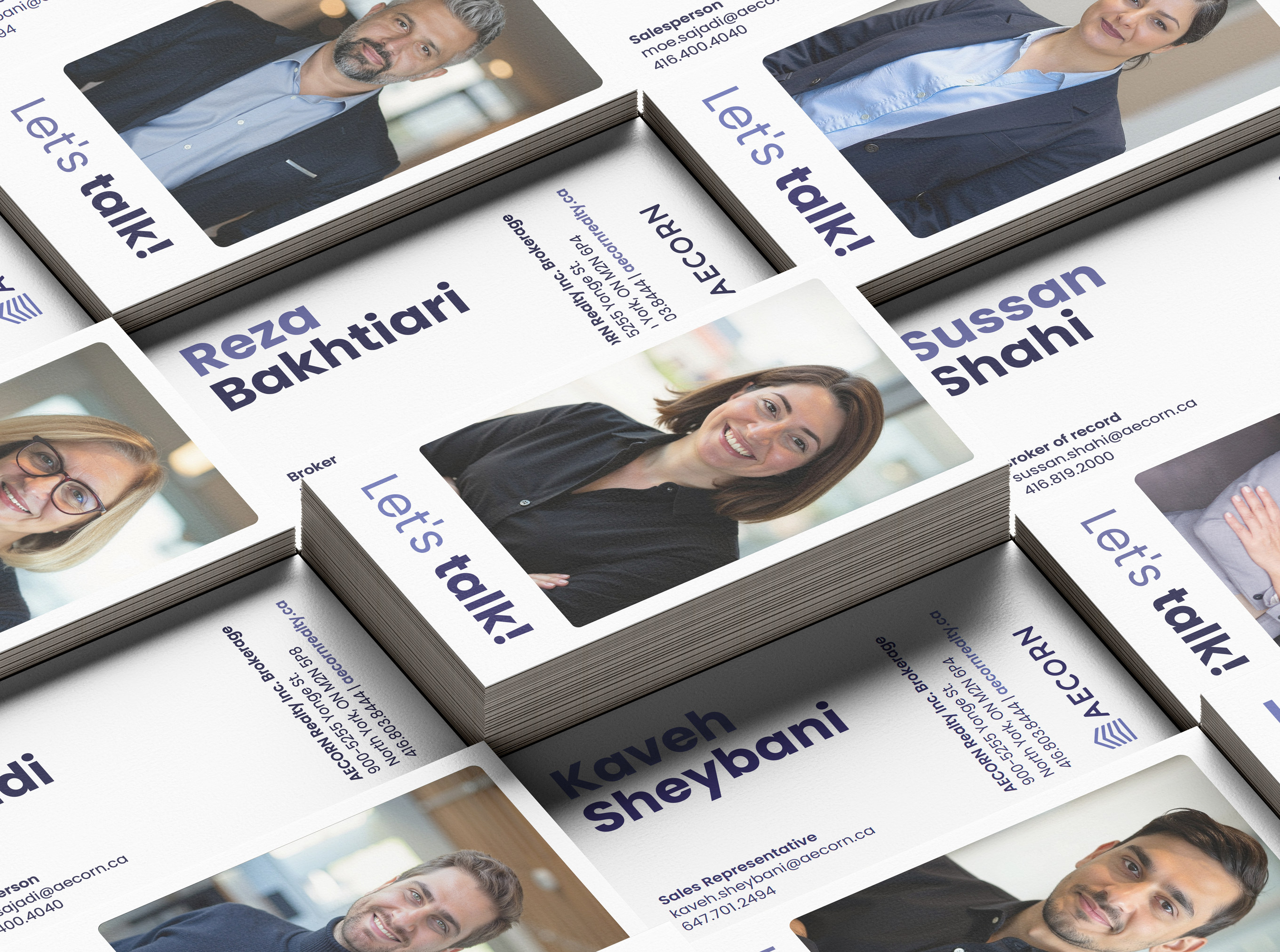
The first place I implemented AI was on the business cards. We wanted to create personalized cards that would make an impact. So I came up with the idea of using each agent's portrait to make the cards feel welcoming and memorable.
The problem? We couldn't manage the process and cost of consistently doing professional photoshoots. So I researched the best AI tools for generating photorealistic portraits based on real-life images. The results were fabulous, adaptable and cost-effective.
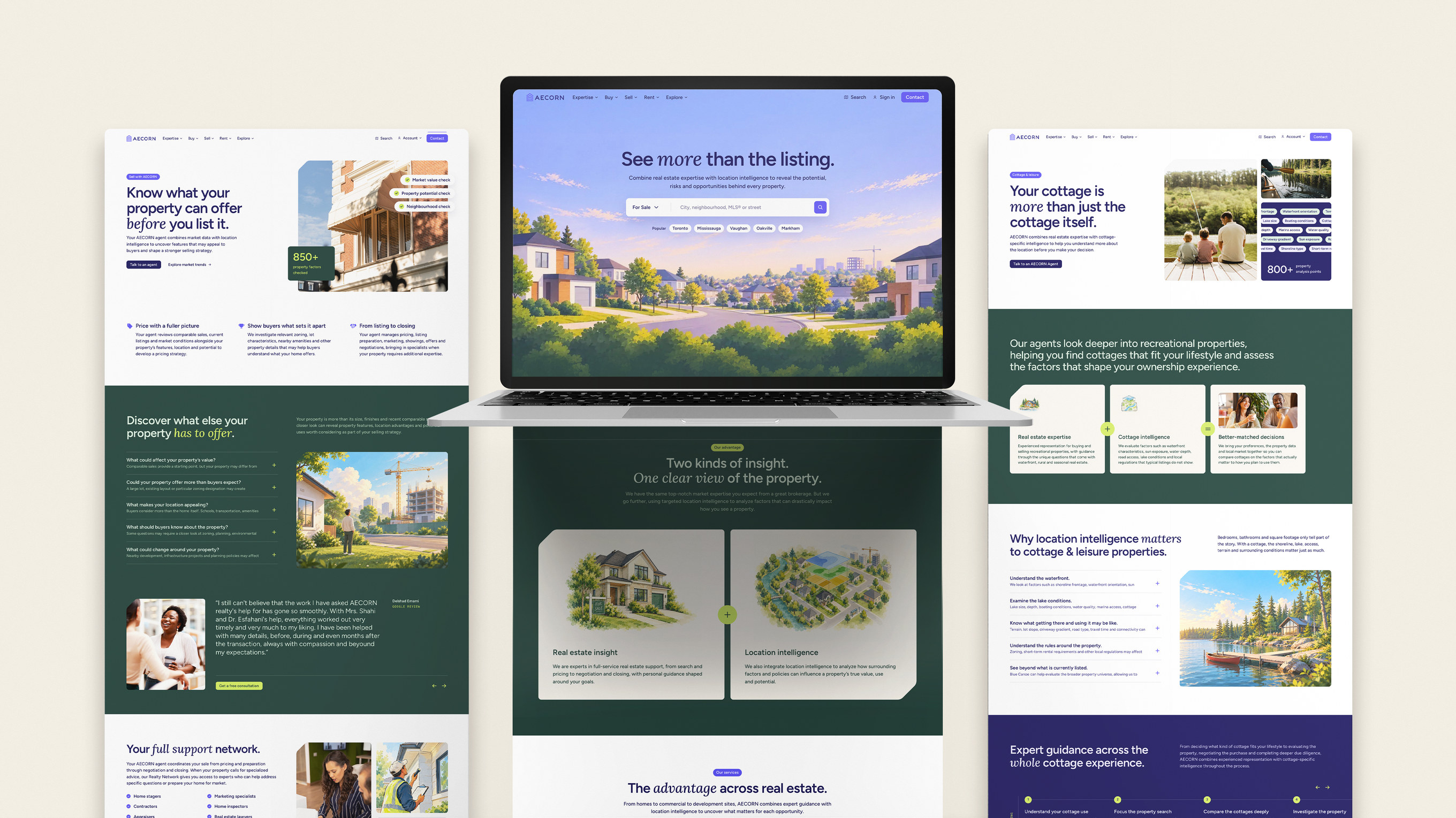
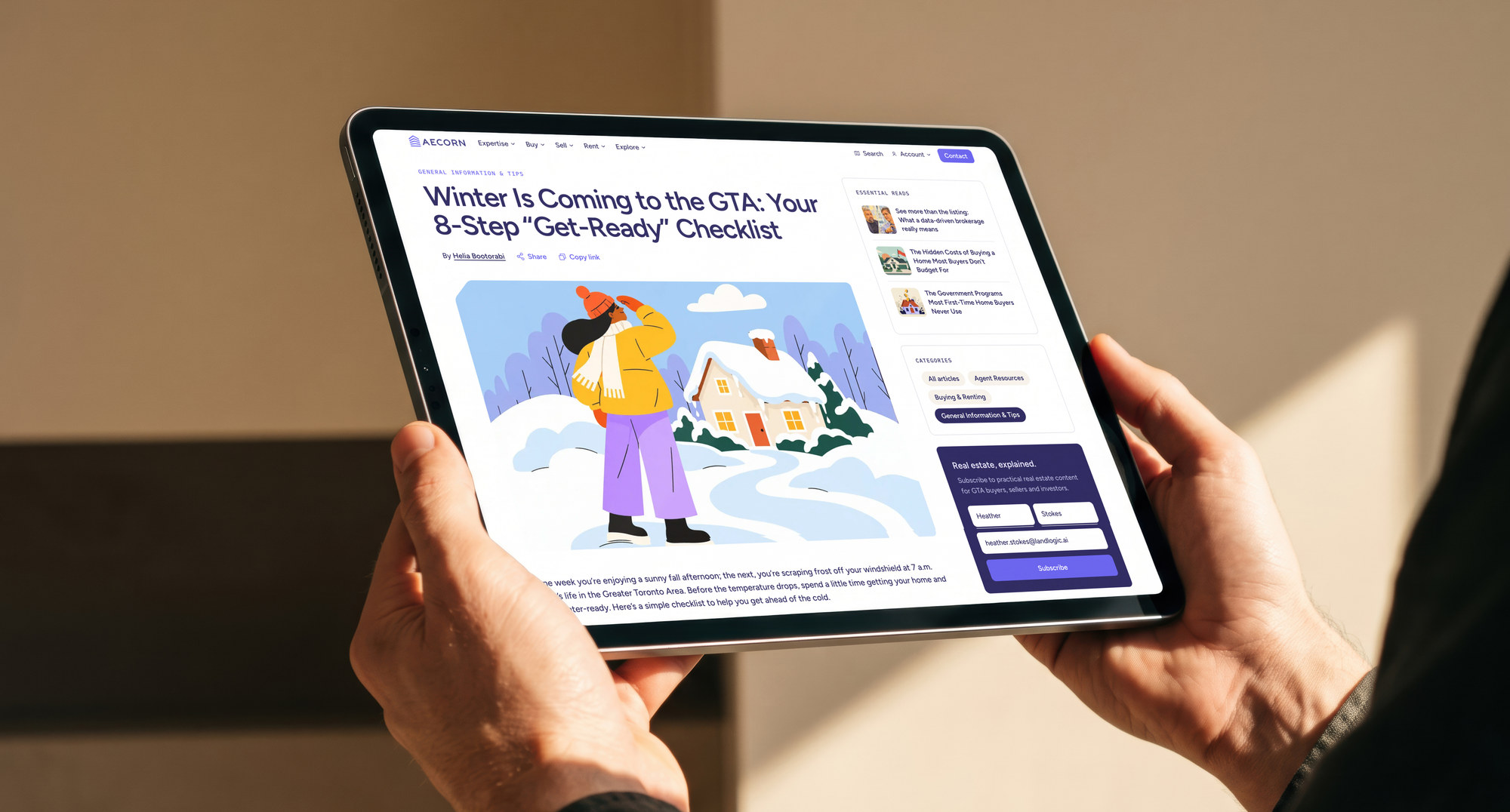
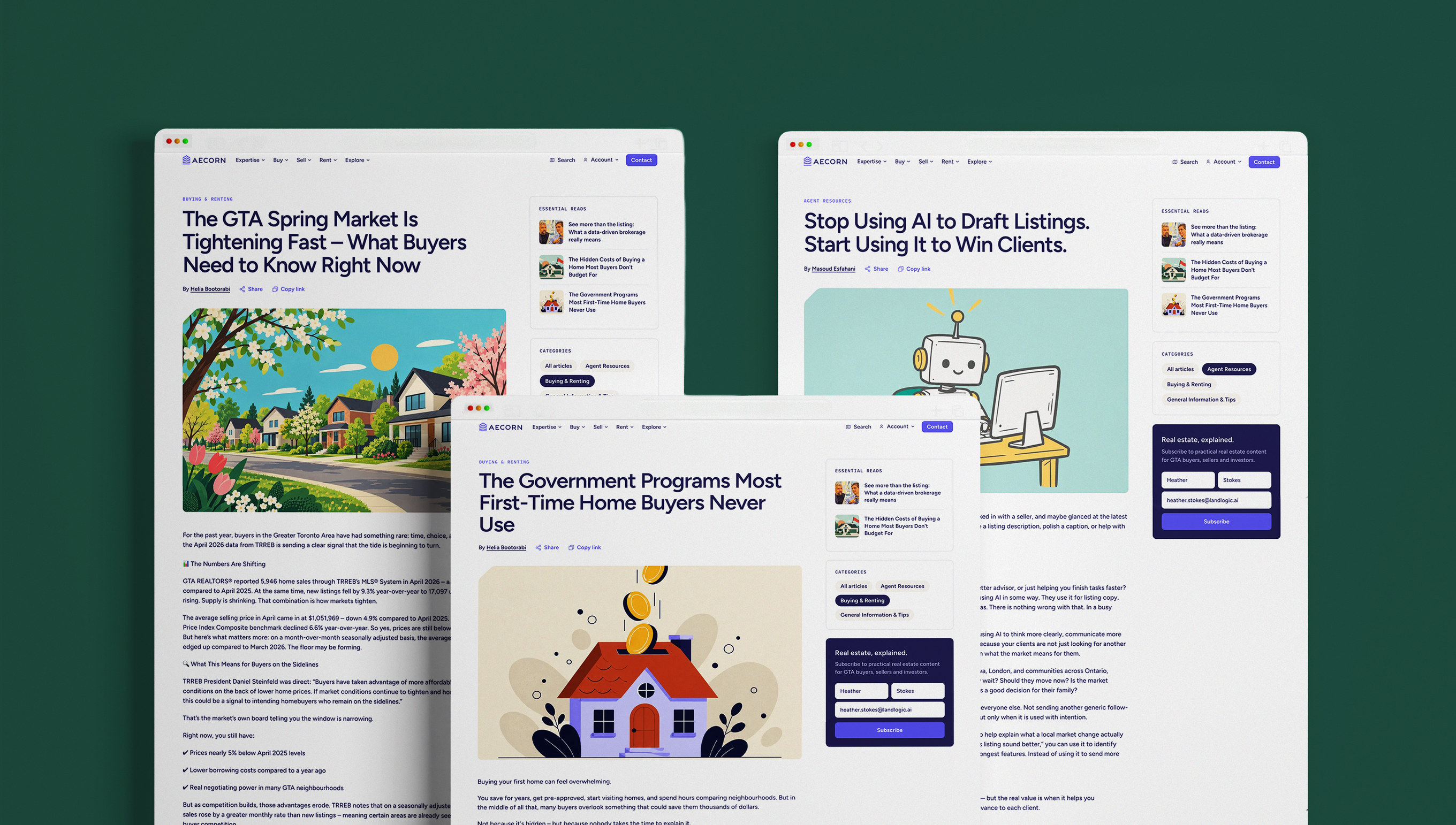
For the new website, we faced a challenge: AECORN needed all new content and design. It needed to be done fast and done well. And we didn't want to wait on developers.
So we decided that I would design the entire site with Claude, and then hand over the entire final package to the developer to produce a pixel-perfect version from my files.
This meant I had to build a brand system inside Claude, while also iterating on design, refining layout, working out typography, defining hierarchy and more.
I created multiple spaces for experimentation, testing and brainstorming. I then pushed approved versions to a final environment. This allowed me to define and test design, interactions, motion and animation in real time.
And because I was able to hand over finalized designs down to the pixel, the developer was able to reproduce my work almost flawlessly and almost instantly.
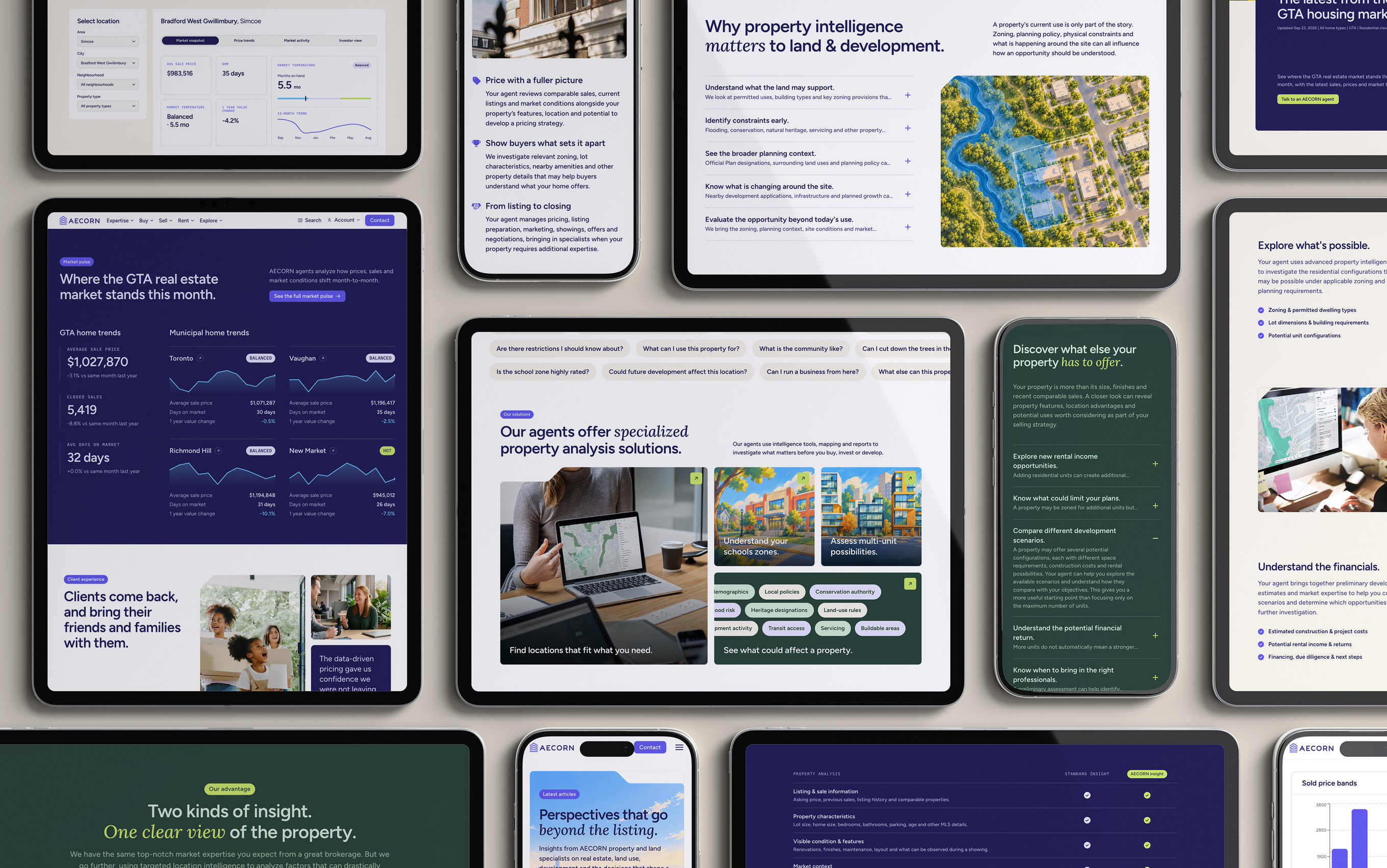
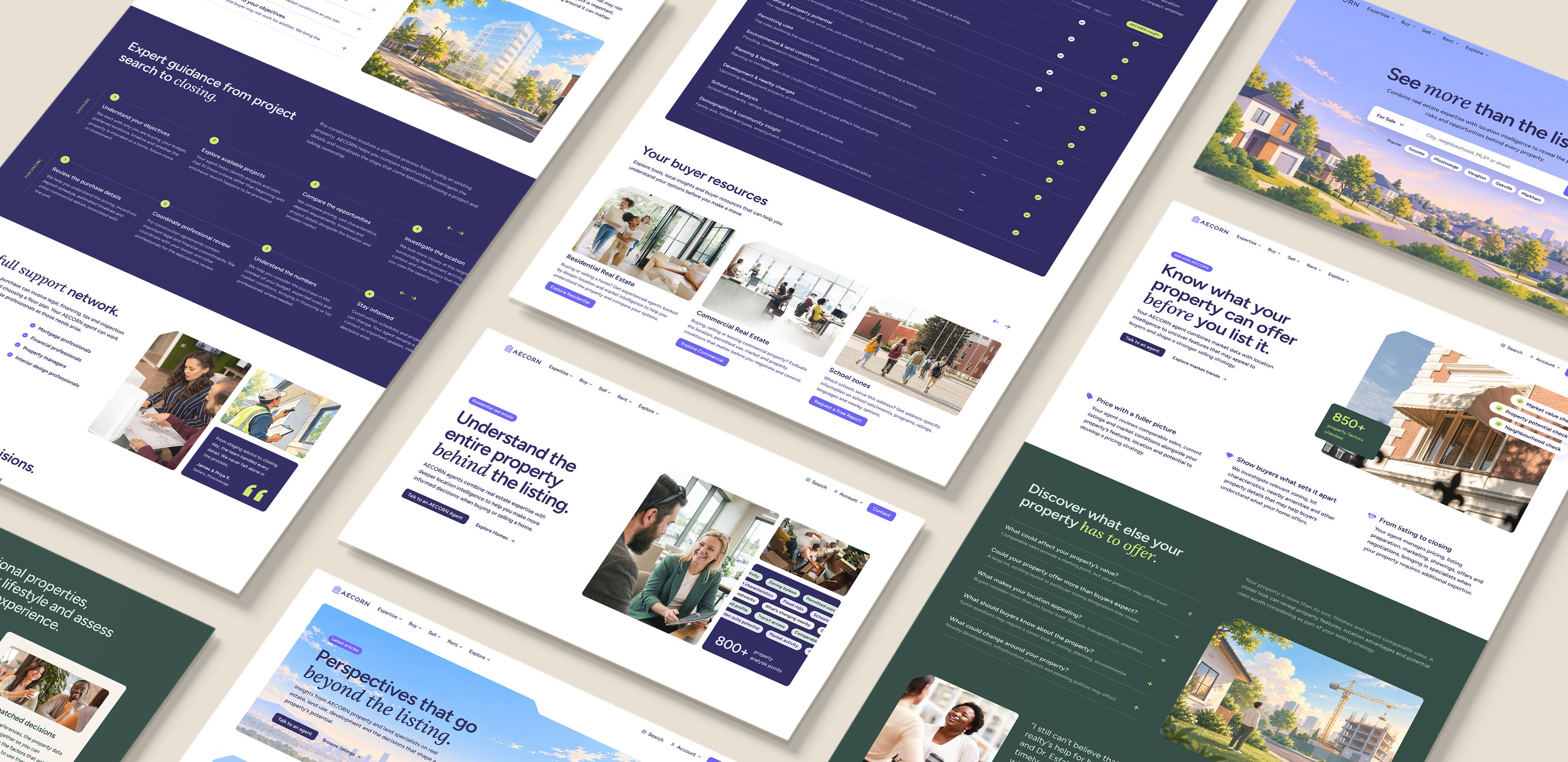
Having designed for real estate and proptech before, I always face one big challenge: imagery. It's next to impossible to find sophisticated images to properly visualize the concepts.
How do you find a good image for zoning designations? For proposed building developments? For floodplain mapping?
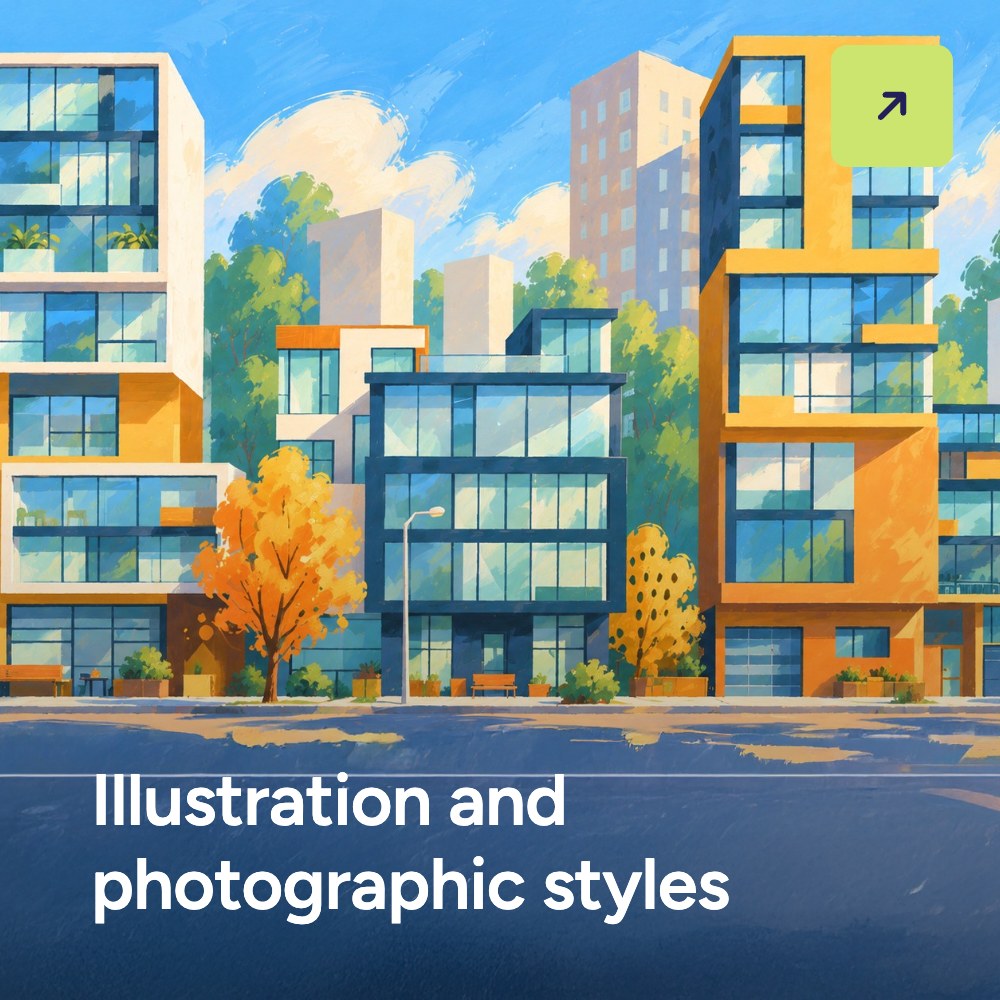
So my solution was this: don't find them — make them. I used AI to generate illustrations that could visualize exactly what I had in my head. I researched illustration styles, purchased relevant inspirational imagery and created custom illustrations.
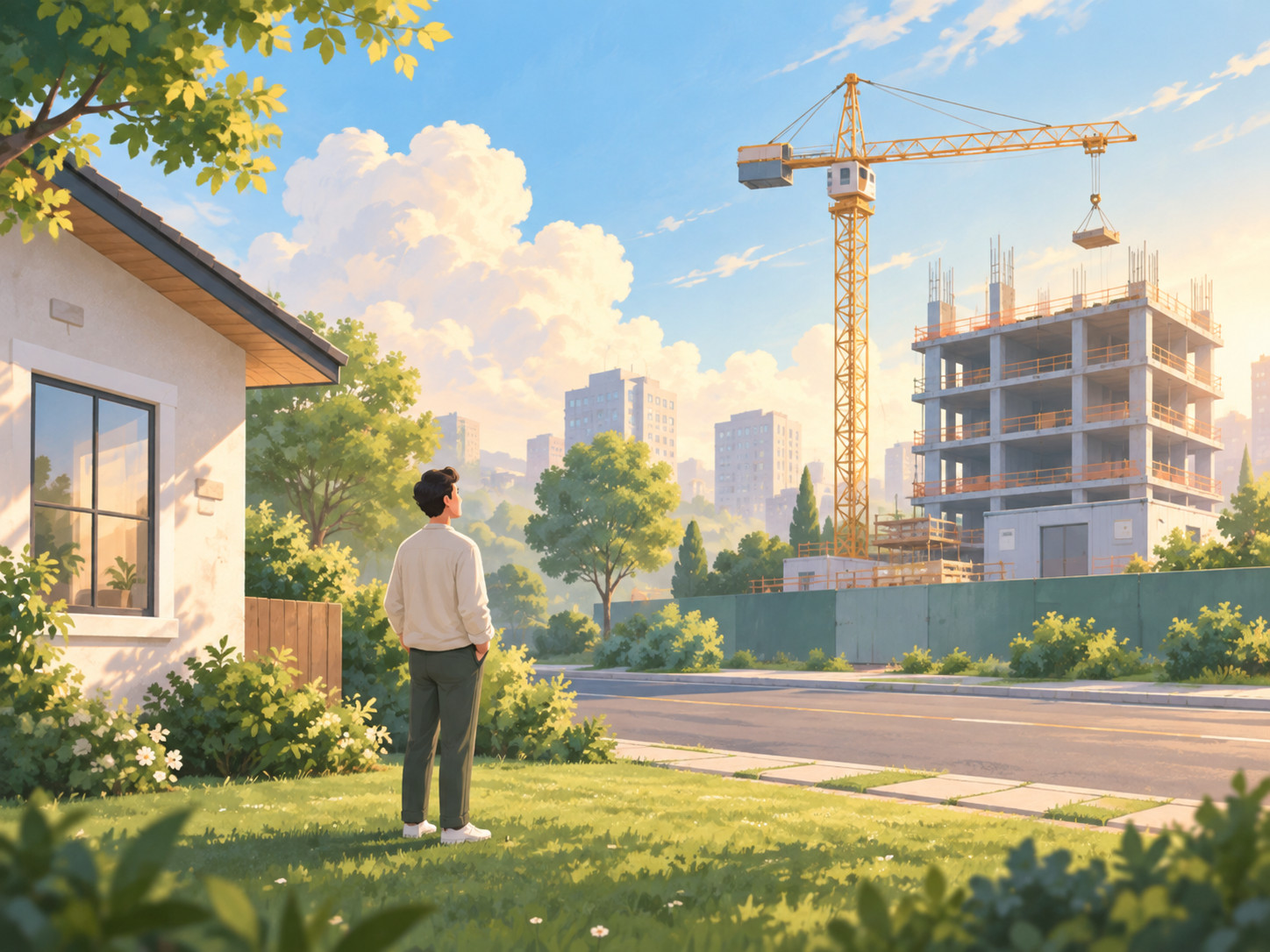
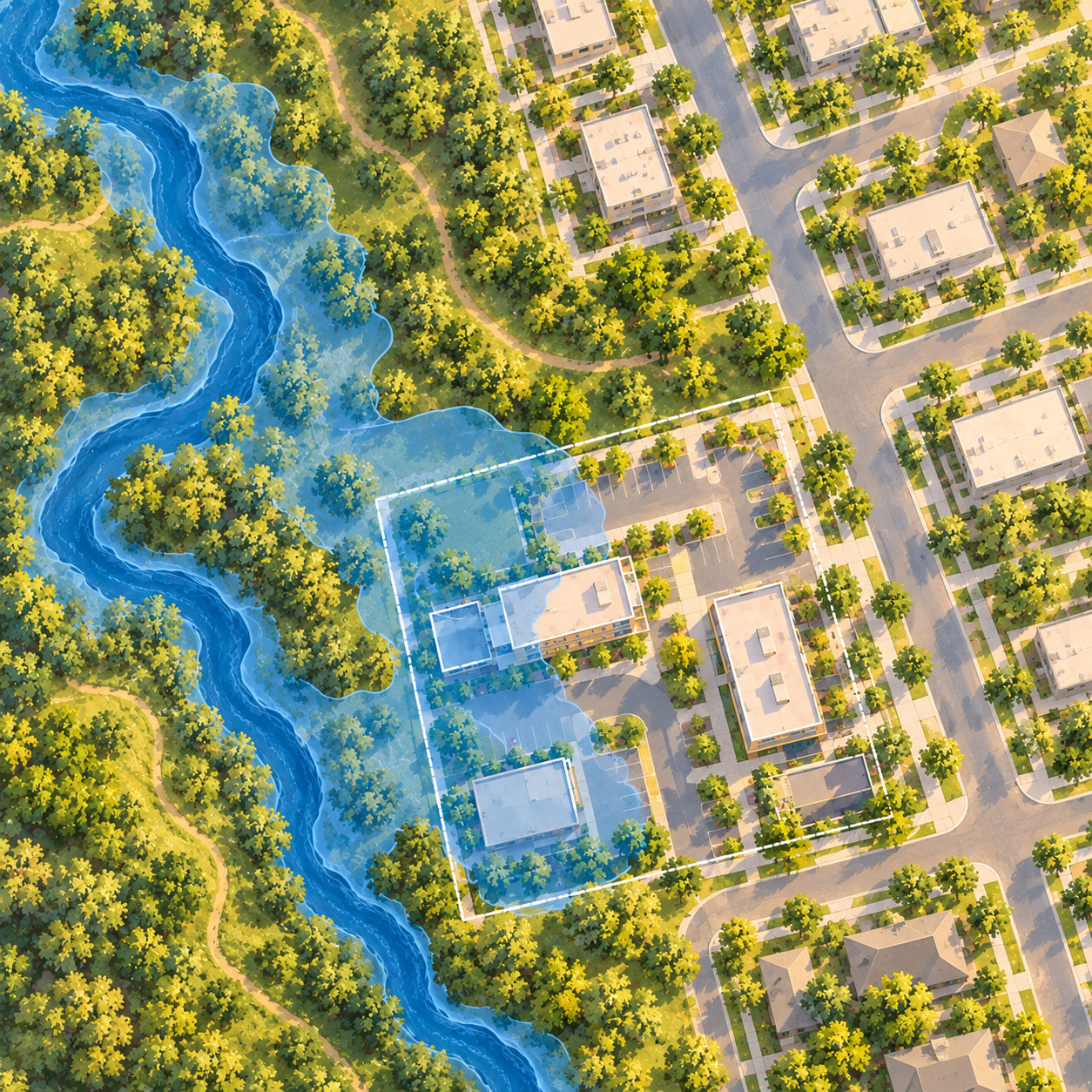

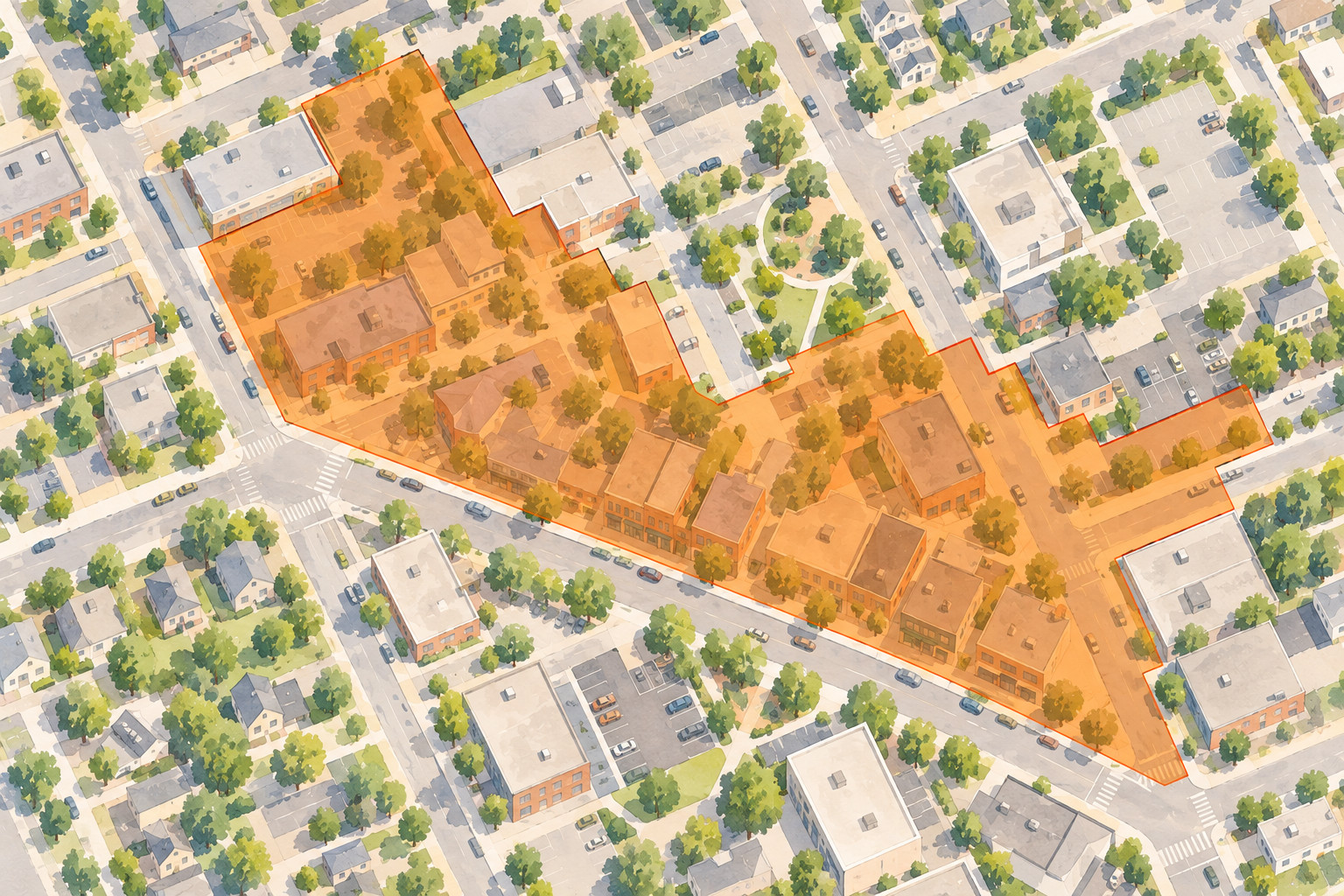
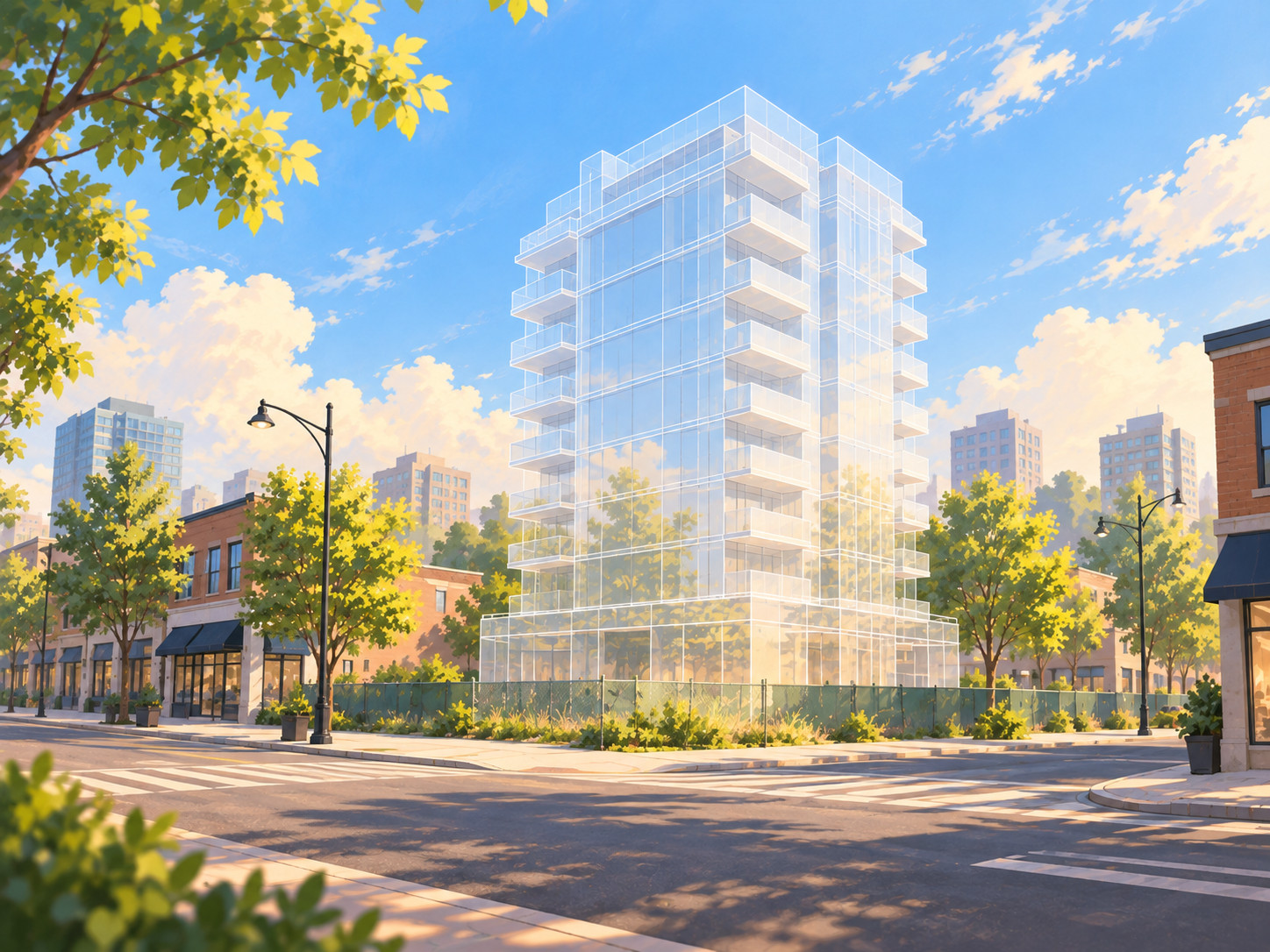
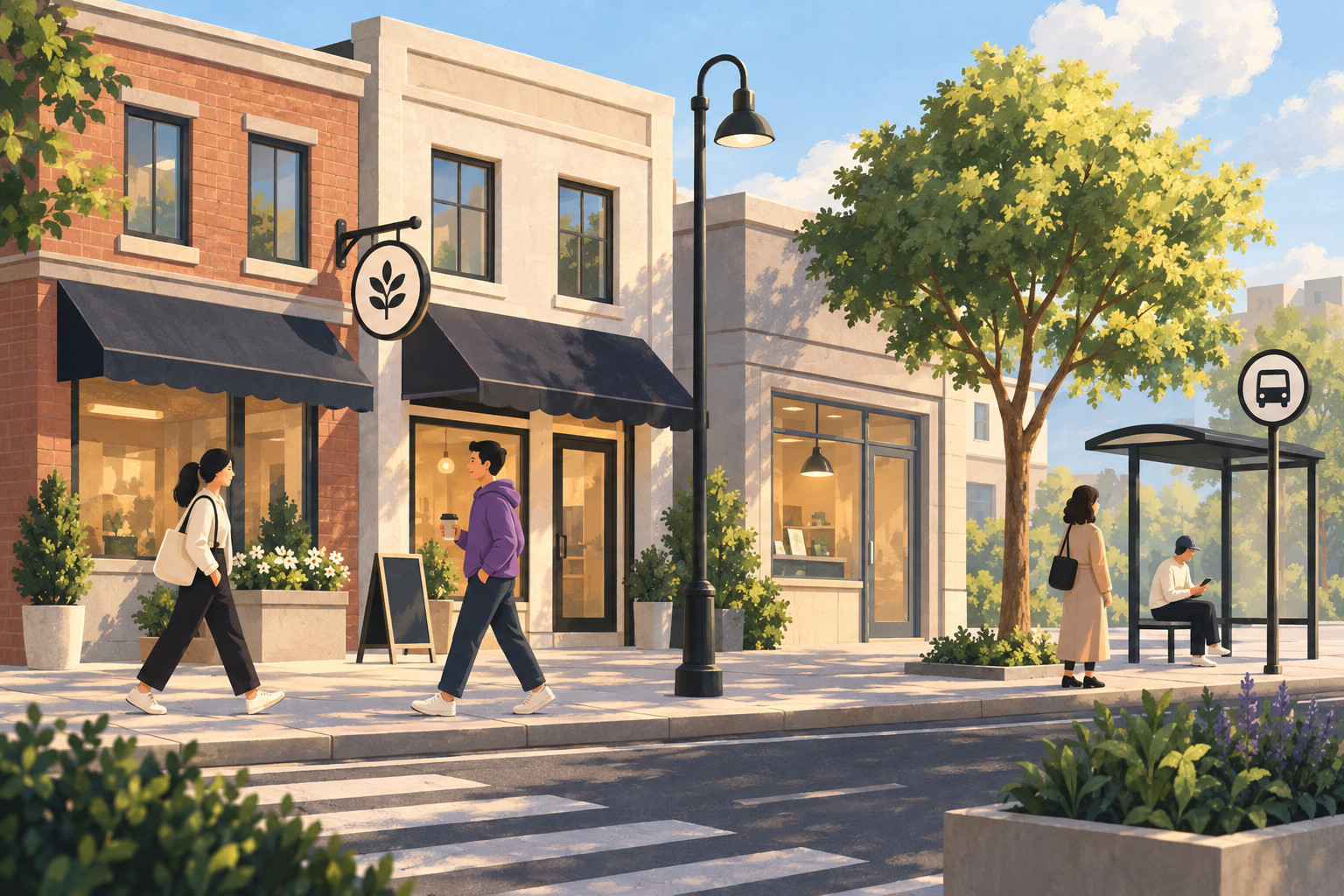
For ongoing illustrations, I intentionally mixed up styles to keep visual interest, especially for repetitive materials, such as blogs and social posts.
I then set up instruction files with AI so that other team members could also create imagery for blogs and socials that meets the same standard of quality and consistency.

On a small team, there isn't budget for hiring dedicated motion and video experts. So I learned how to fully edit video within Claude, including motion, animation, intros, outros and sound.
I started by filming, and then brought the raw assets into Claude. I worked with Claude to create storyboards first, define scene cuts, build graphics, refine text and set captions.
I ensured the design matched the AECORN brand guidelines, defined the process for editing, and then saved the instructions for further videos so others could also create assets with the same standards, styles and quality.